
PlayStation network connection failed
Solved/Closed
Related:
- Playstation network sign in failed
- Playstation network sign in failed but internet connection succeeded - Best answers
- Playstation network sign-in failed but internet connection succeeded - Best answers
- Wireless network connection - Guide
- Ps3 internet connection failed ✓ - PS3 & PS4 Forum
- Fixing Your PS3 Network Connection ✓ - PS3 & PS4 Forum
- The connection with sony entertainment network timed out ✓ - PS3 & PS4 Forum
- Playstation plus vs playstation now - Guide
3 responses
Hi,
You can follow these steps:
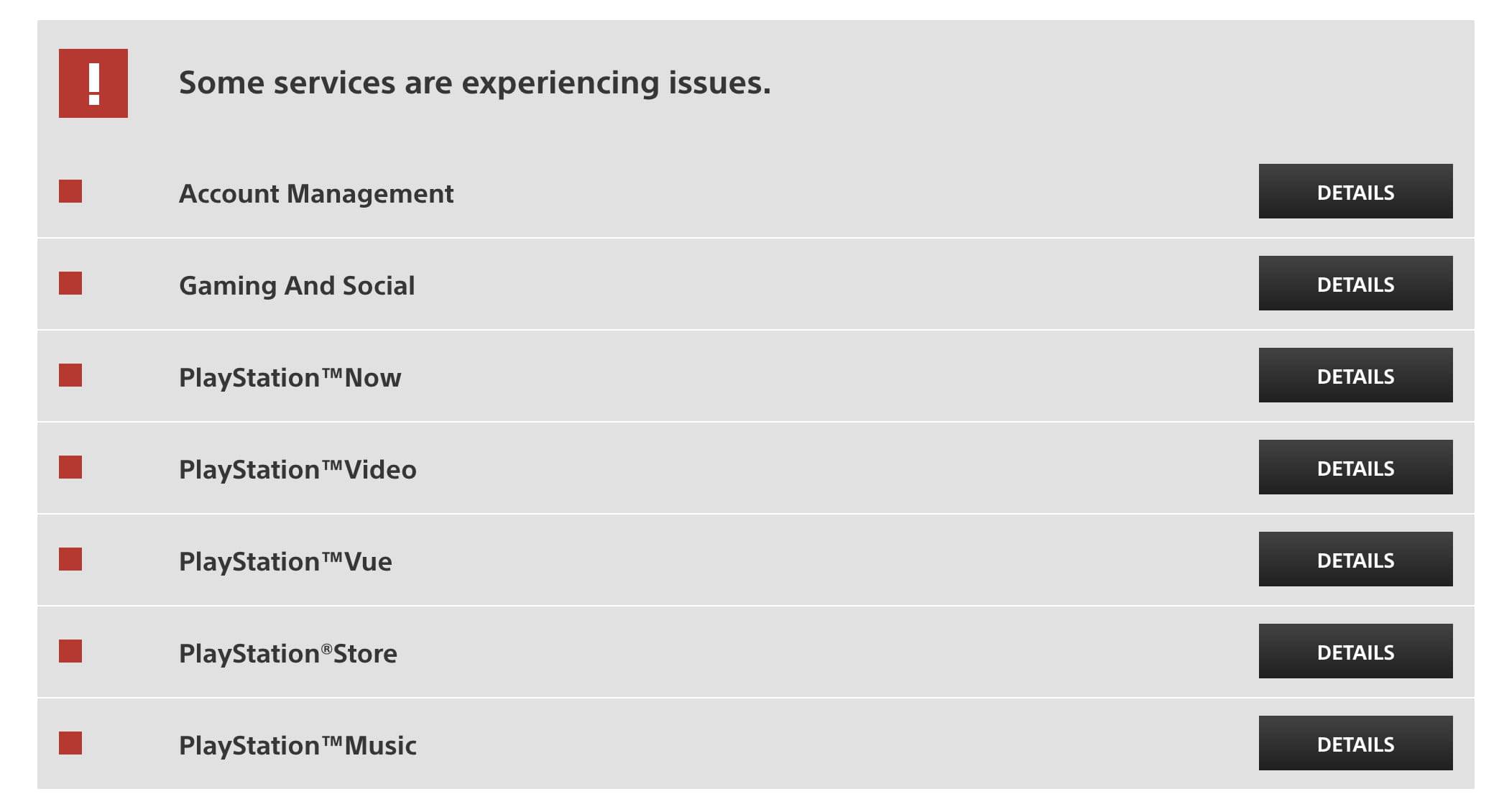
Ensure also that PSN is not down: https://status.playstation.com/en-us/
If so, it will be all red like this:

Cheers
You can follow these steps:
- Go to Settings > Network settings > Media server connection. Then, Disable the media server.
Ensure also that PSN is not down: https://status.playstation.com/en-us/
If so, it will be all red like this:
Cheers

Oct 16, 2014 at 08:41 PM
Jan 27, 2016 at 10:50 AM